Apex is Optum's healthcare analytics platform, used by GPs, Integrated Care Boards (ICBs), and Primary Care Networks (PCNs) across the UK to manage population health data, clinical performance, and commissioning insights. For most users, it's part of the daily rhythm of running a practice.
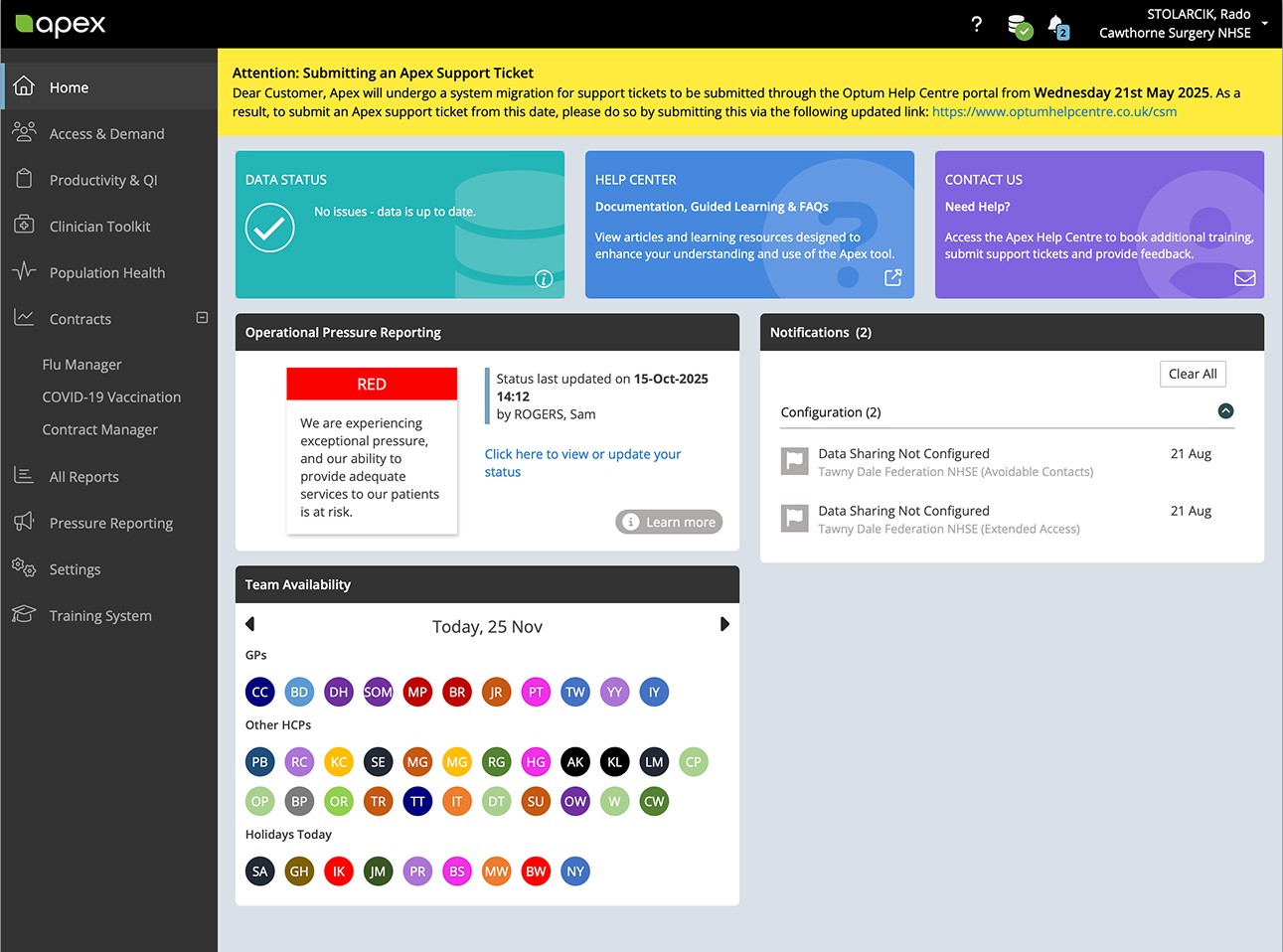
The platform had been live and evolving for years, and the homepage showed it. Features had multiplied, banners layered in with every release, navigation drifting as modules were added and reshuffled. No single change was the problem; the cumulative effect was. By the time we were brought in, users were telling us through support tickets, drop-off rates, and direct feedback that the dashboard wasn't working for them anymore.
Senior Product Designer. I led the dashboard redesign for Apex, one of several projects during my time at Optum. Collaborated with a cross-functional team of 1 researcher, 1 copywriter, 3 developers, 1 product owner, 1 project manager, 1 business analyst, and 4 support and sales members
Industry: Healthtech | B2B, SaaS, Data Analytics
Task delivery time: 2 months
Constraints:
2-month deadline for phase one. No design system. No time for large-scale research. Legacy architecture constrained what we could build. Communication across the team was fragmented.
Defining business goals
• Increase feature adoption from 20% toward 50%
• Reduce support tickets by 20%
• Improve satisfaction to strengthen retention
• Create a foundation for upselling advanced features
Defining user goals
• Restore trust through clarity
• Reduce time-to-orientation
• Increase engagement with key sections
• Reduce support dependency through inline guidance
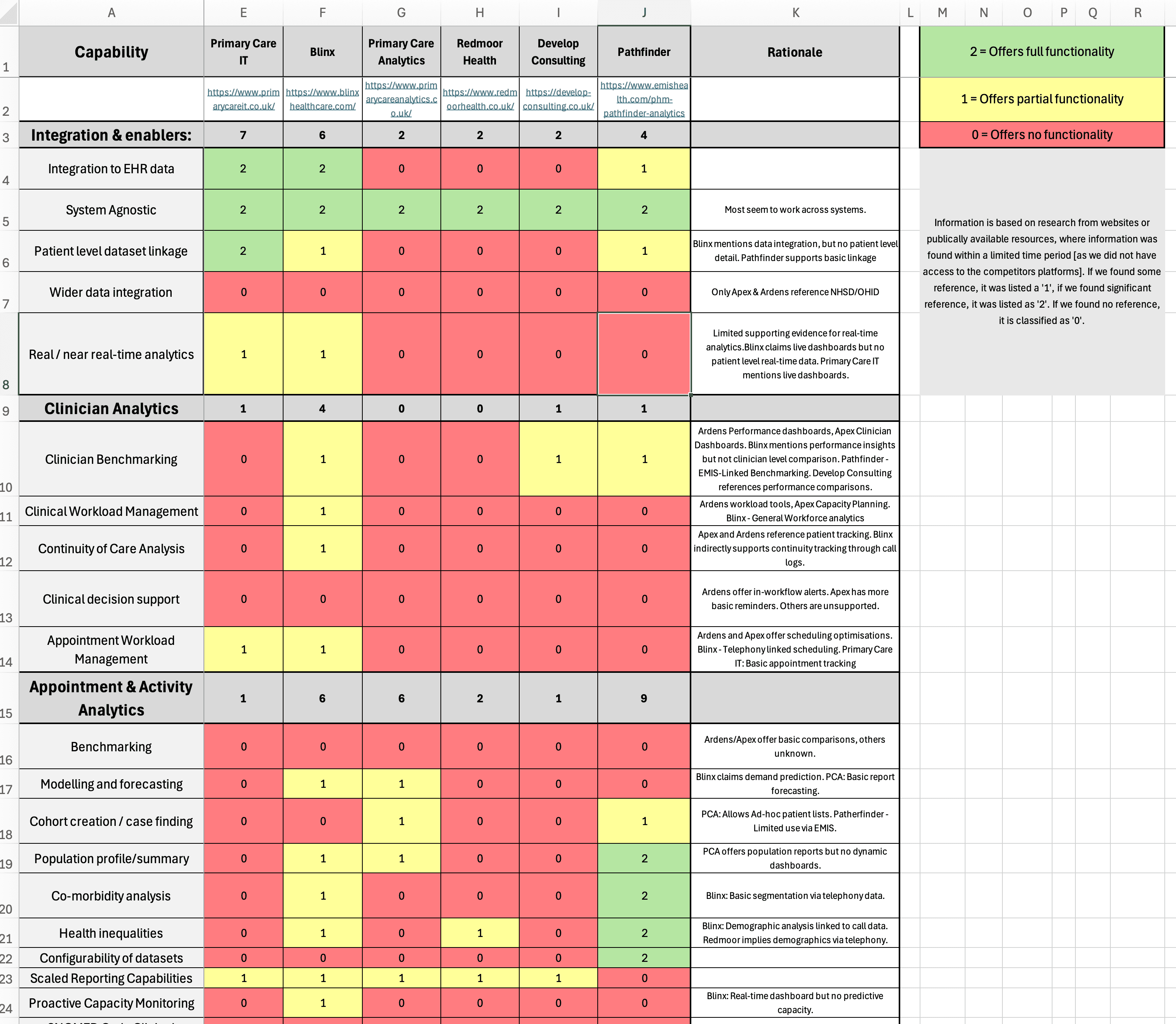
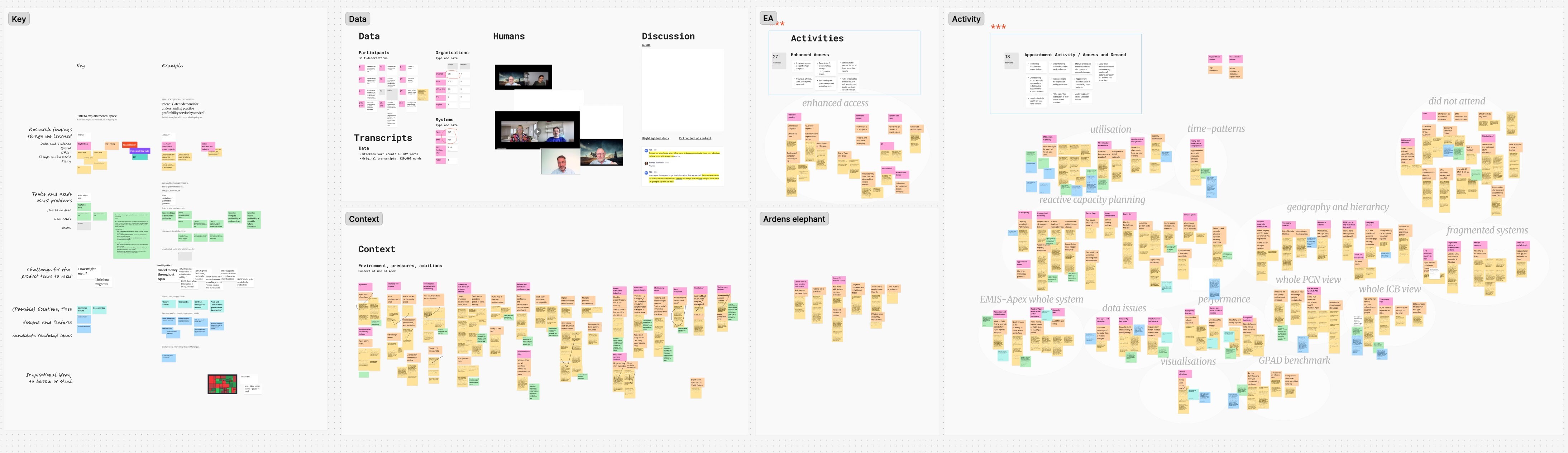
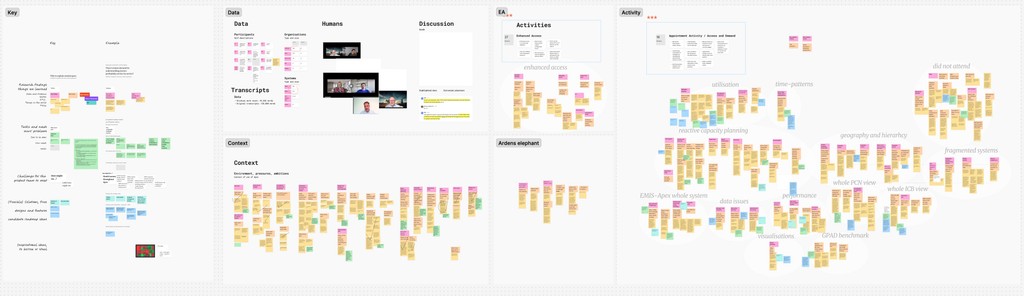
I used Copilot AI to transcribe and analyse interview recordings and parse BA documents, surfacing cross-role patterns faster than manual synthesis.
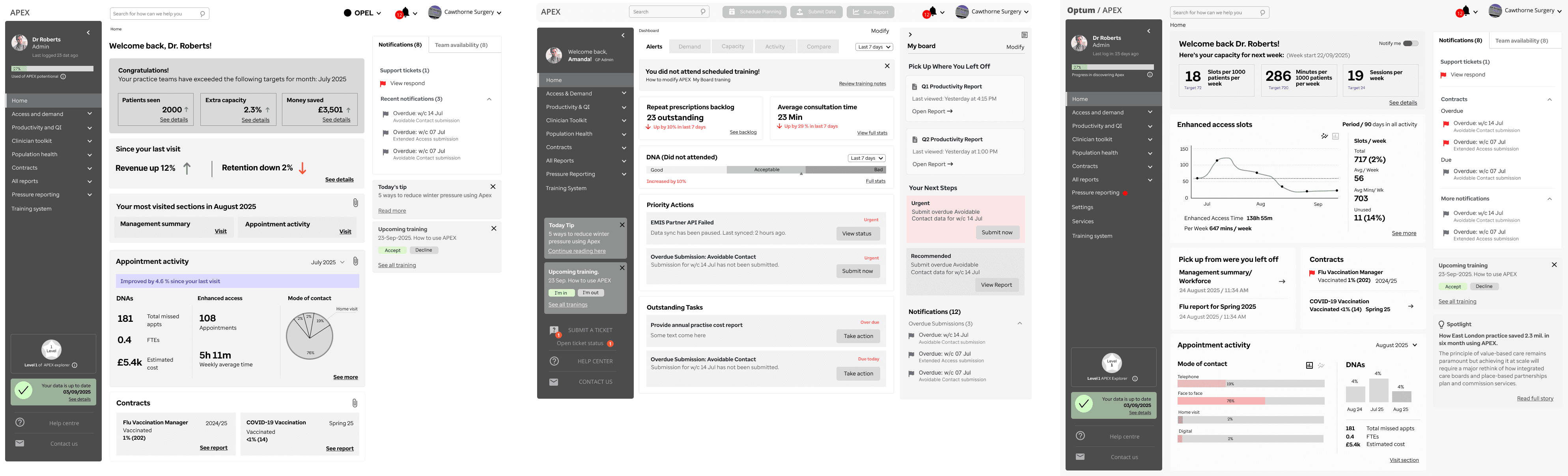
The transcripts revealed the same pattern. Users knew what they needed to do. They couldn't figure out where the platform wanted them to do it.
01
"I can't tell what's urgent."
02
"Confusing dashboard, I don't know where to start."
03
"I didn't know training resources existed."
04
"I always have to search for help."
The core insight: Users weren't struggling because APEX lacked features. They were struggling because the interface gave them no sense of priority. Everything looked equally important, which meant nothing felt important.
Copilot AI-assisted research synthesis
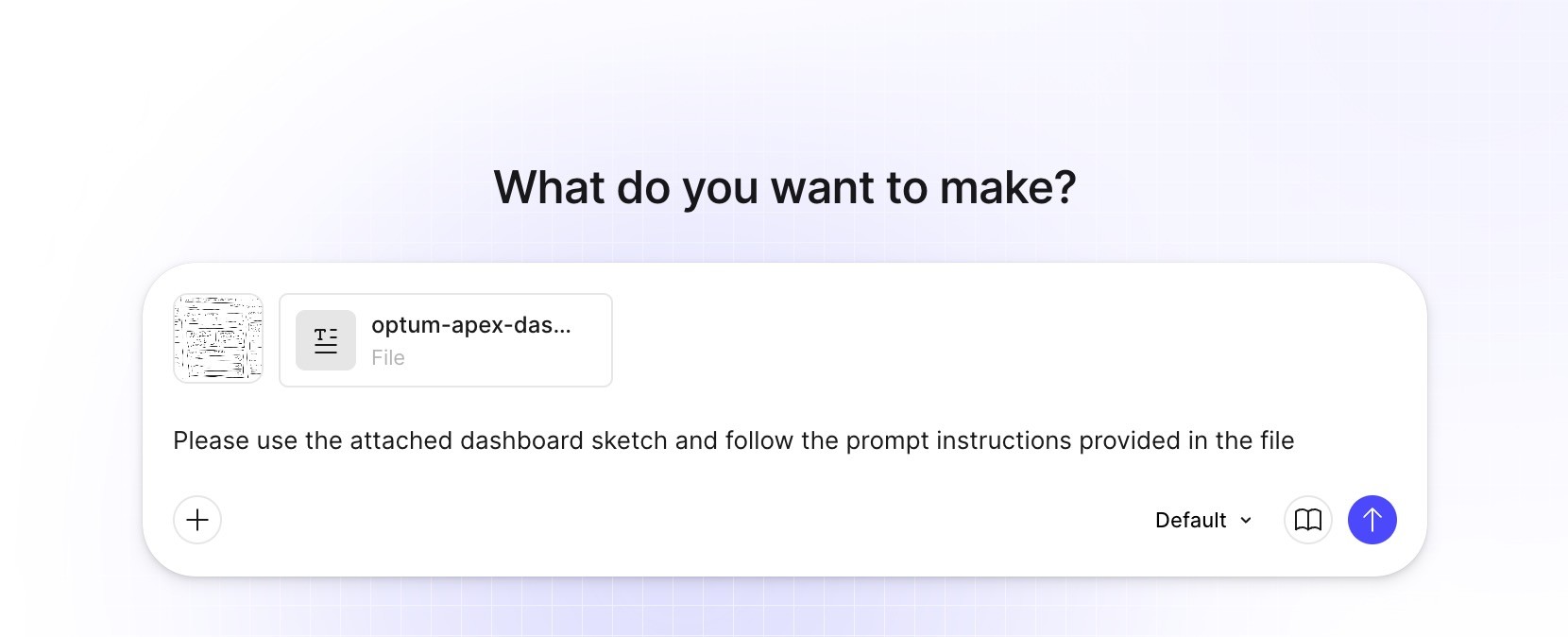
With the interview data collected, I needed to move fast from findings to actionable framing. I fed raw user quotes into Copilot to form HMW (How Might We) questions and establish hypotheses.
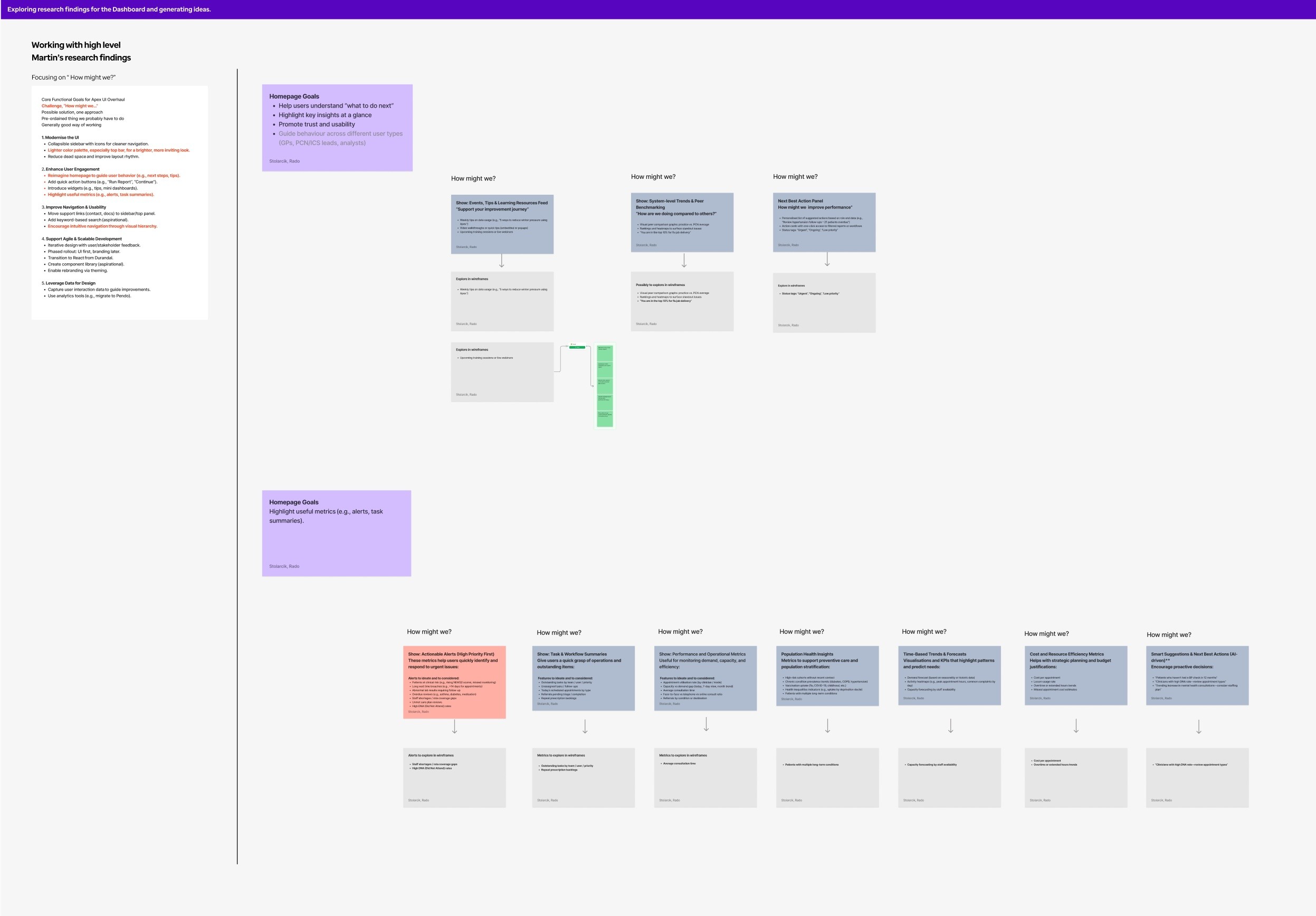
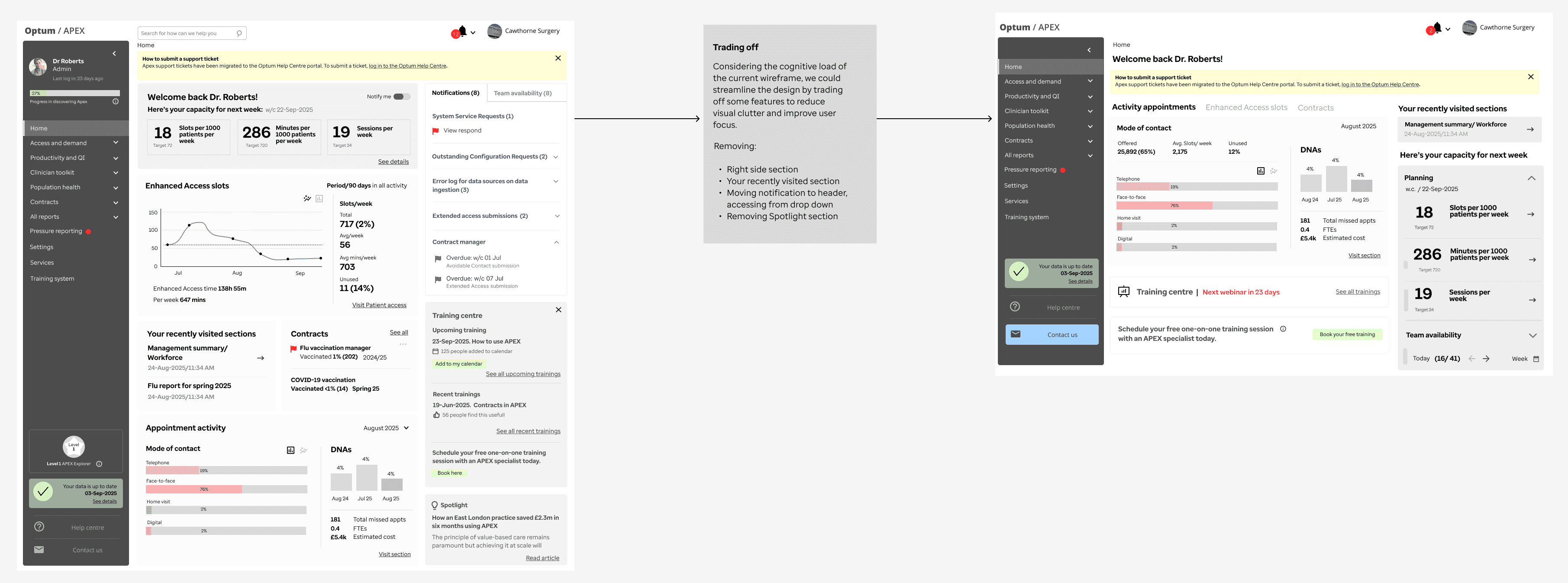
Reframing the problem into opportunity
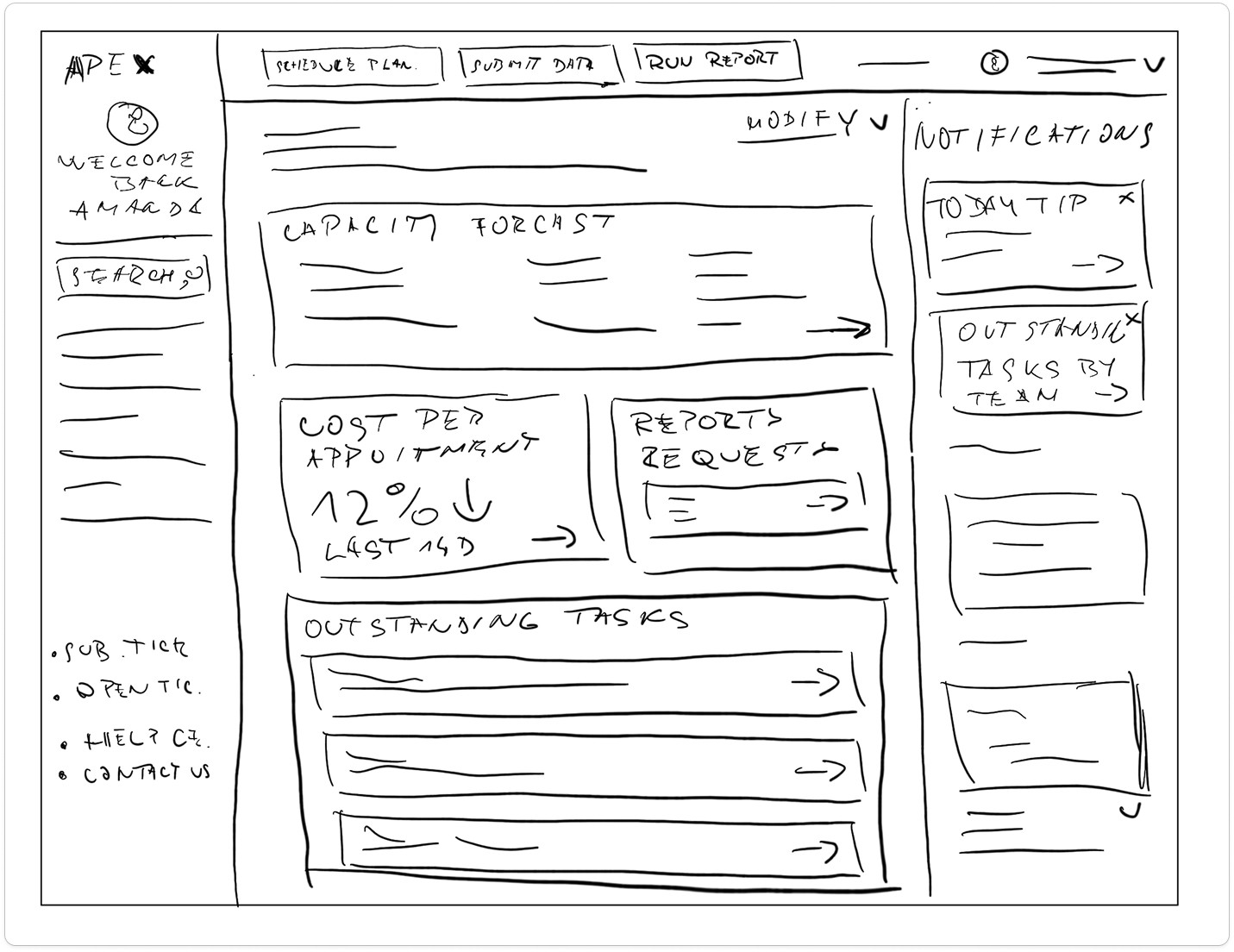
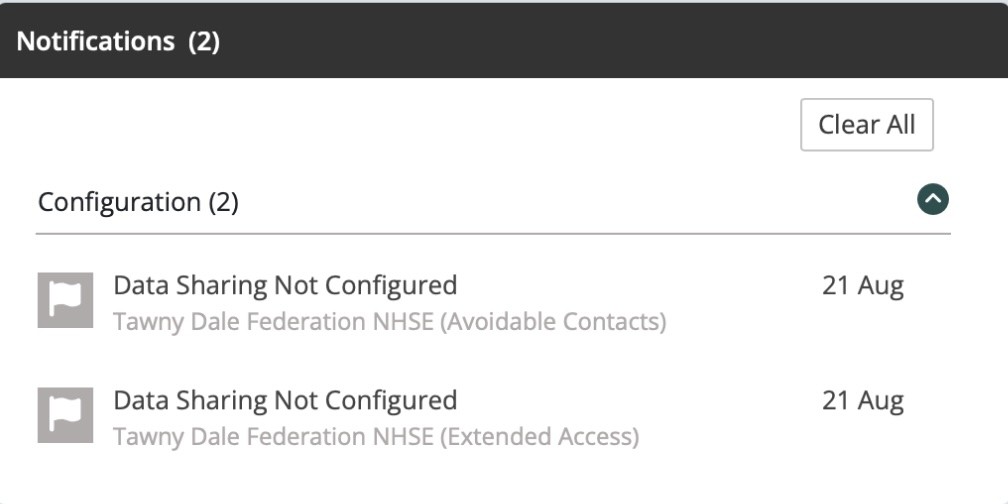
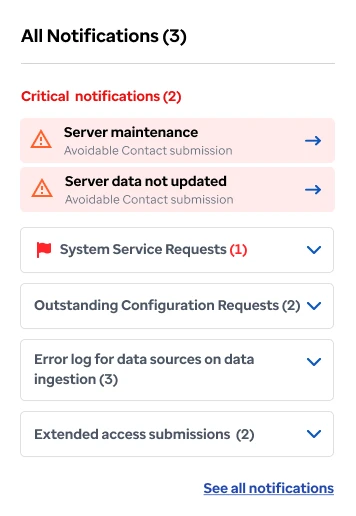
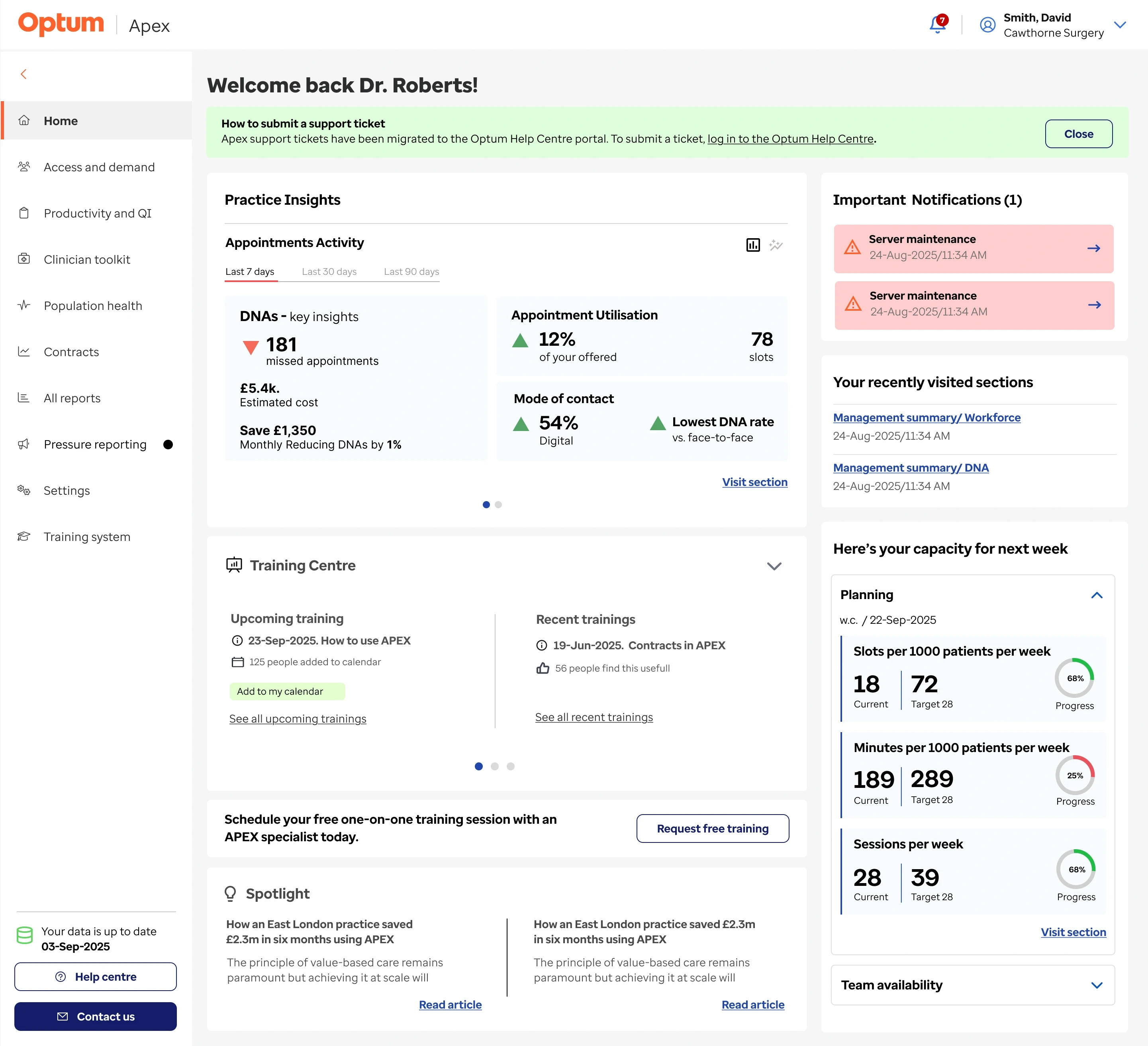
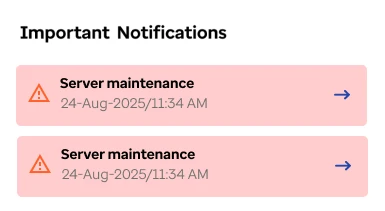
Notifications as the front door
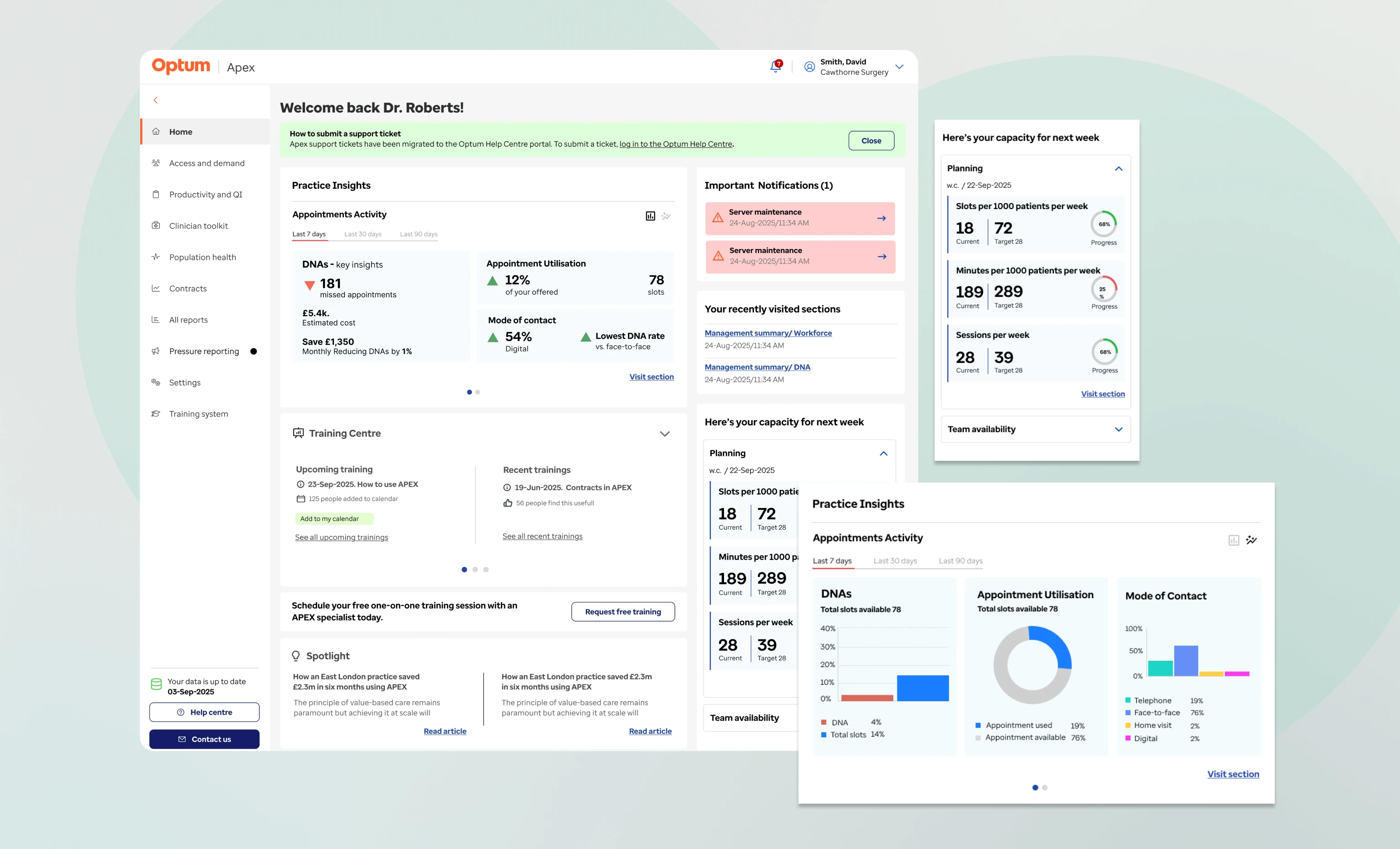
Buried alerts became the dashboard's primary view - urgent items top, informational below. The homepage went from a wall of everything to a view of what matters now.
Before
After
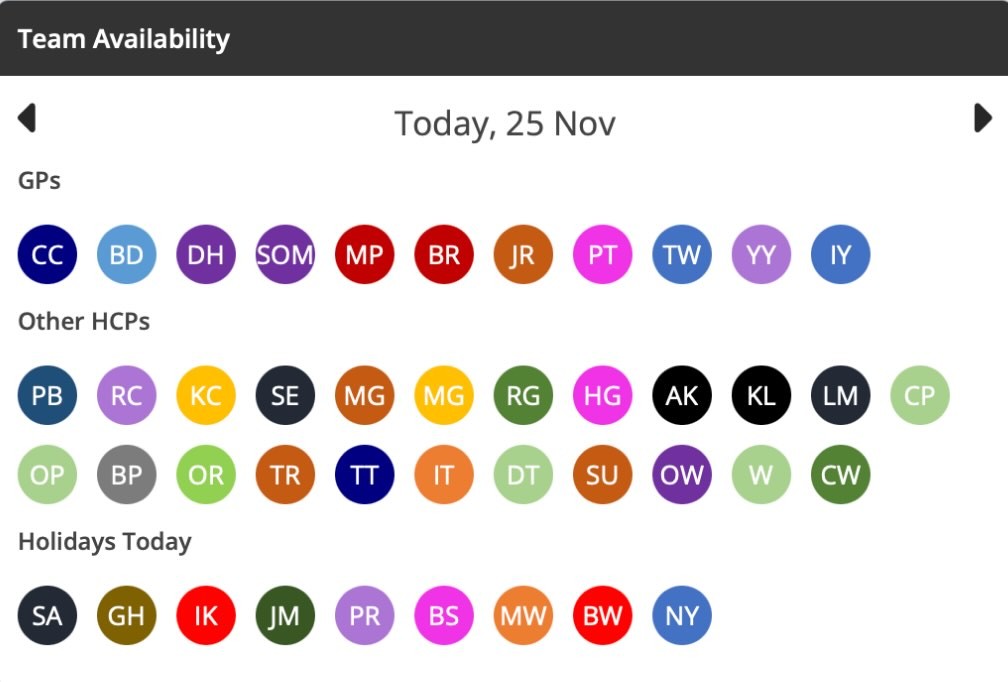
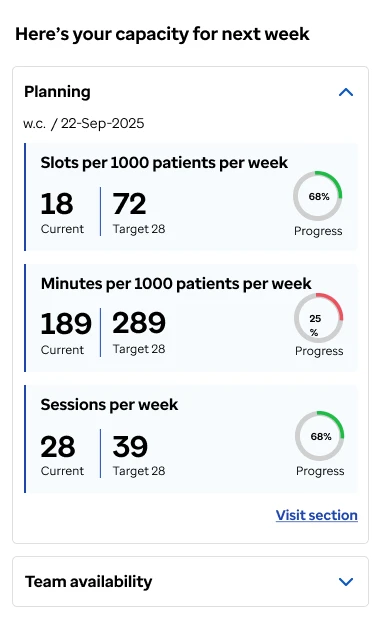
Capacity planning that shows the full picture
A real-time view of clinician availability within the capacity planning module, showing who's on shift, who's absent, and where gaps need covering. Previously, practice managers pieced this together from separate systems. Now it's one glance at the dashboard.
Before
After
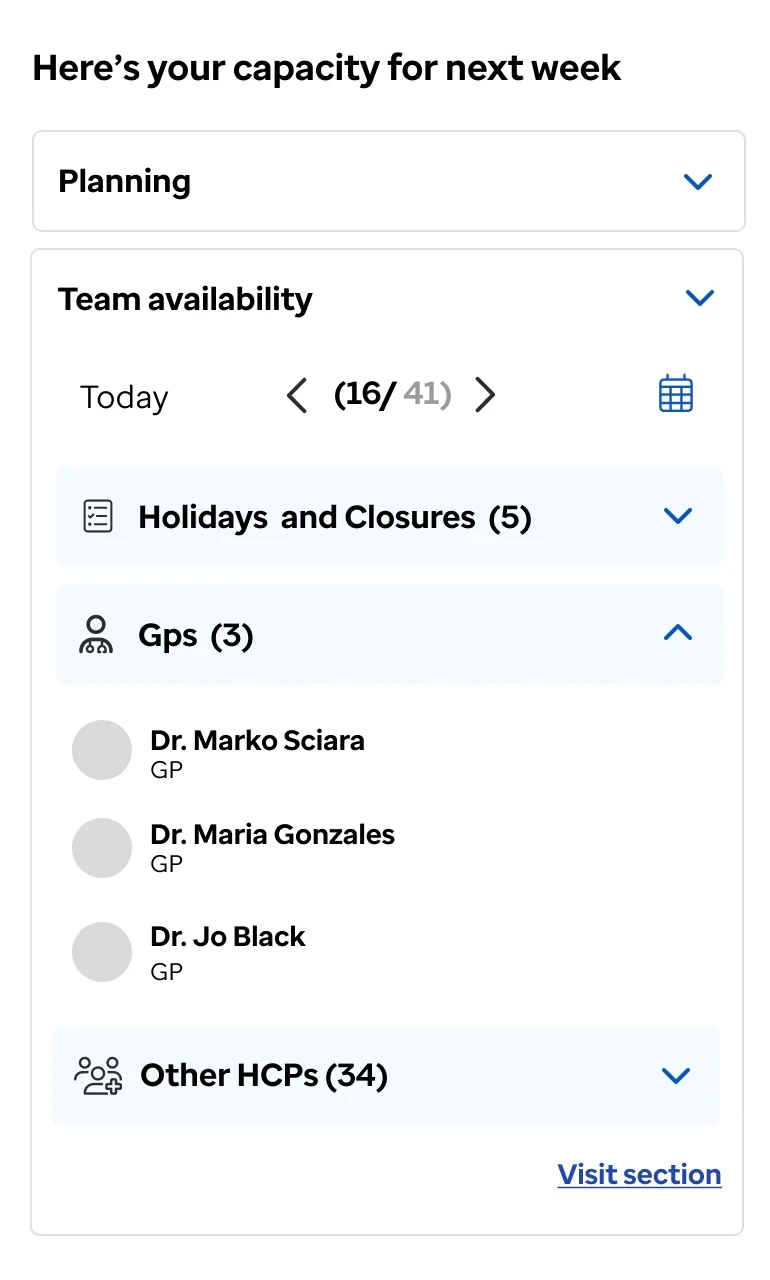
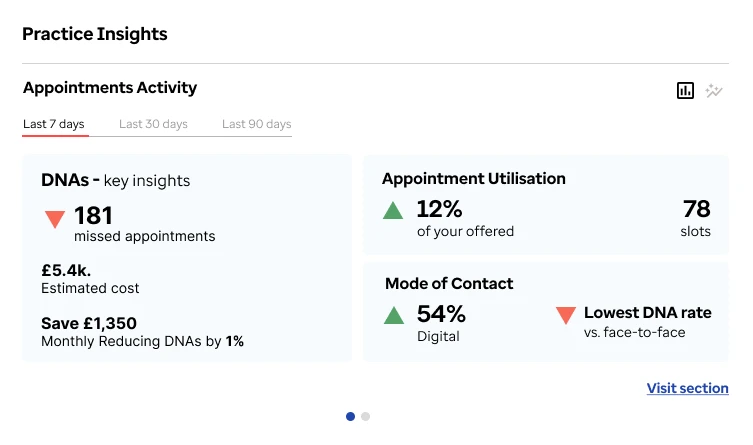
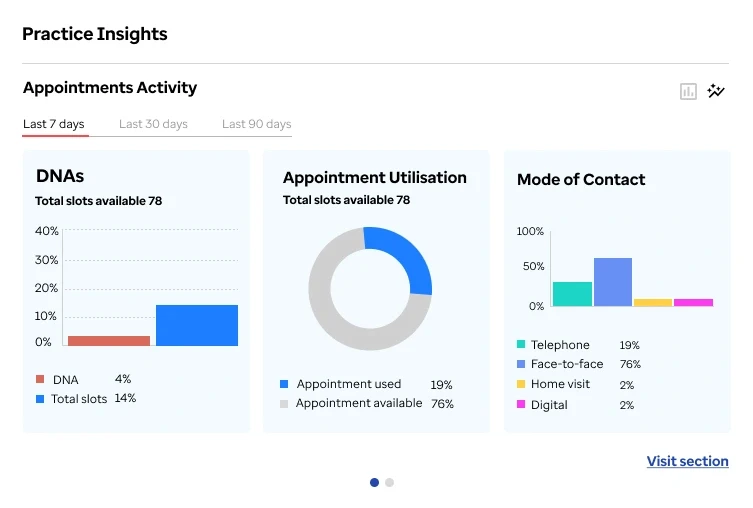
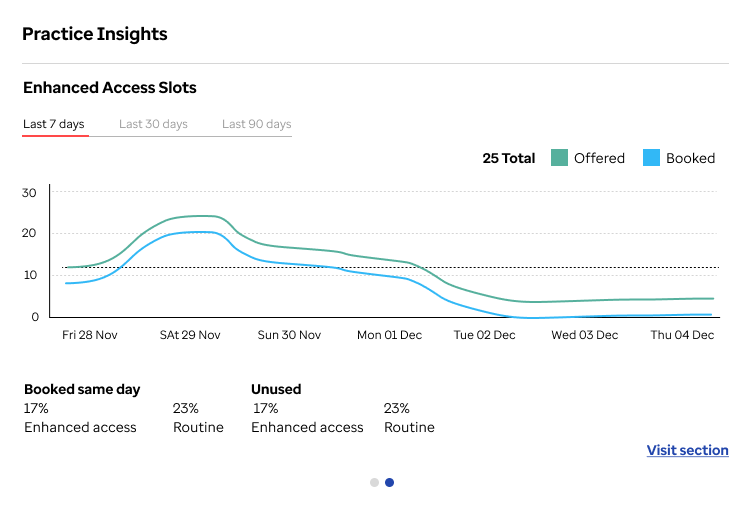
Modular data cards
Bringing key KPIs directly onto the dashboard changed everything. Dense tables became modular cards, giving users the numbers that matter without clicking into reports. Scannable in seconds.
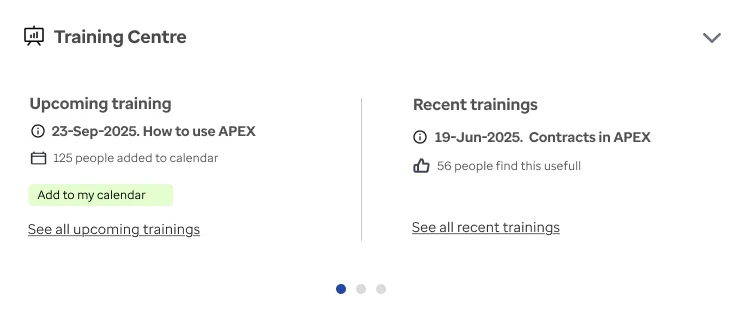
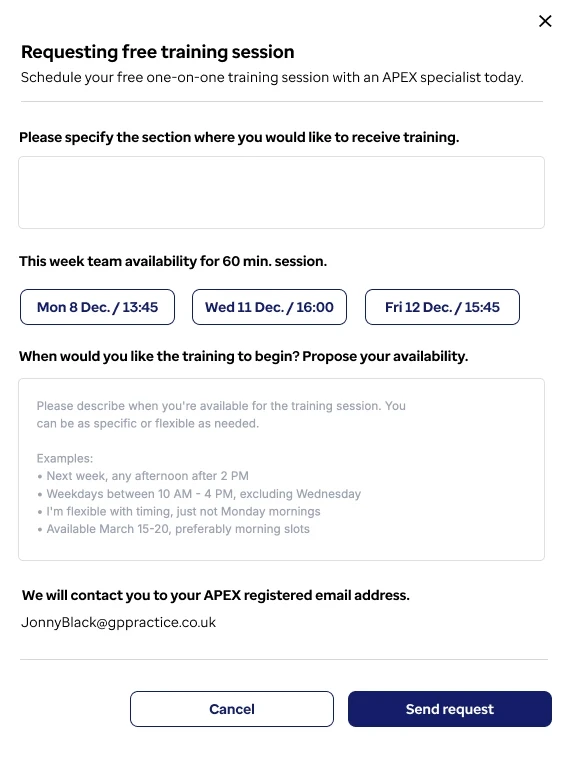
Inline guidance over documentation
Hidden training resources replaced with contextual help within the workflow. Guided tours tested poorly; contextual hints at the point of need had significantly higher engagement.

70%
Reduced navigation drop-off and
improved feature discovery
Reflection
The hardest part wasn't designing features; it was deciding what not to show. Reducing cognitive load changed how users engage. AI tools let me explore 3× more directions in a short time and surface framings I wouldn't have written myself. The results belong to the research, the testing, and the design decisions. AI changed the path to the answer - not the answer itself.
What followed
Engagement continued for 10 months post-launch. Built additional features and developed the web platform.
Mode
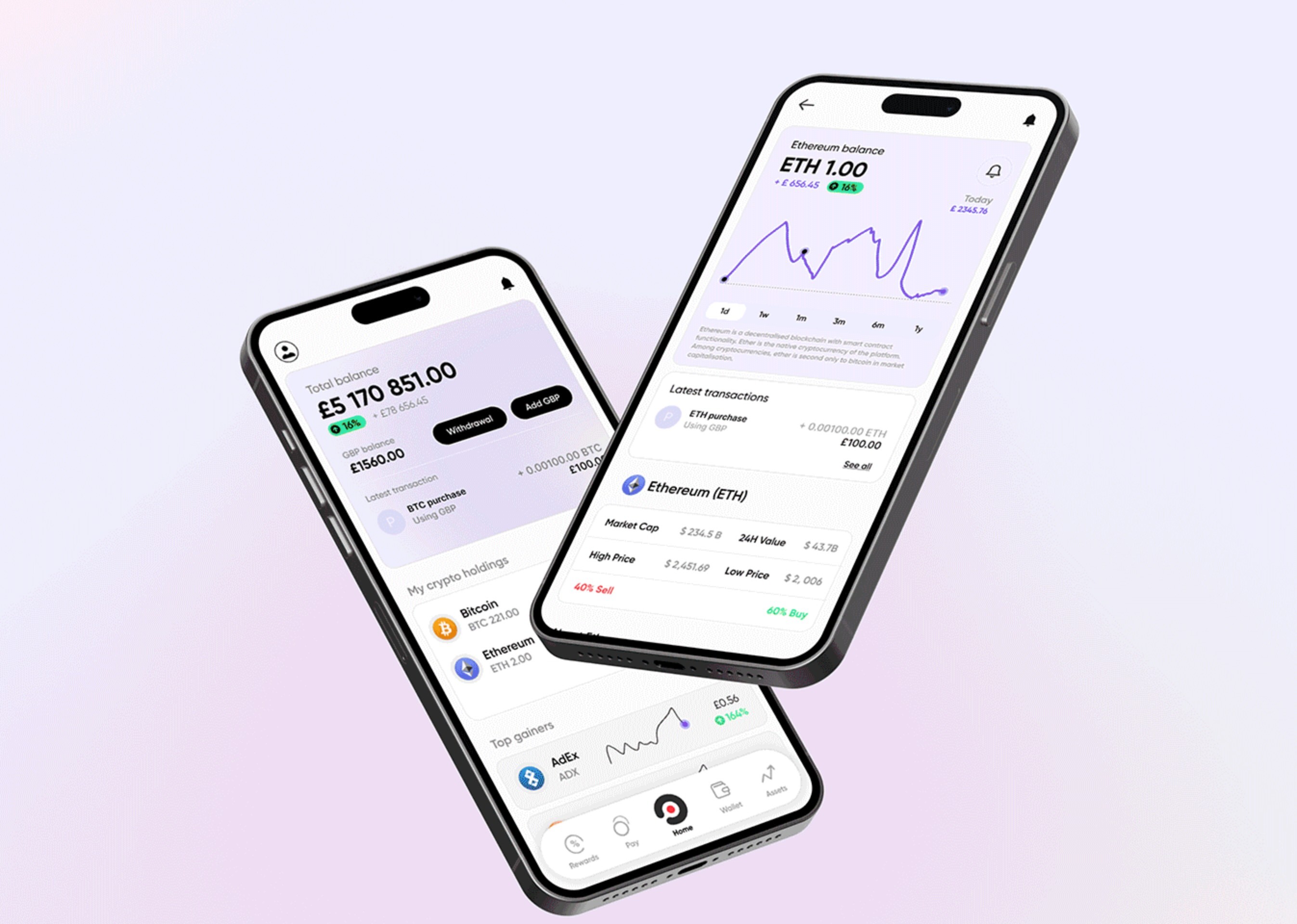
Turning a crypto wallet app into a product people trust and come back to
Redesigning the crypto app increased in-app transactions by 40% and improved the App Store rating from 2.2 to 4.1.
B2C
Crypto
Blockchain
Ixico / TrialTrucker
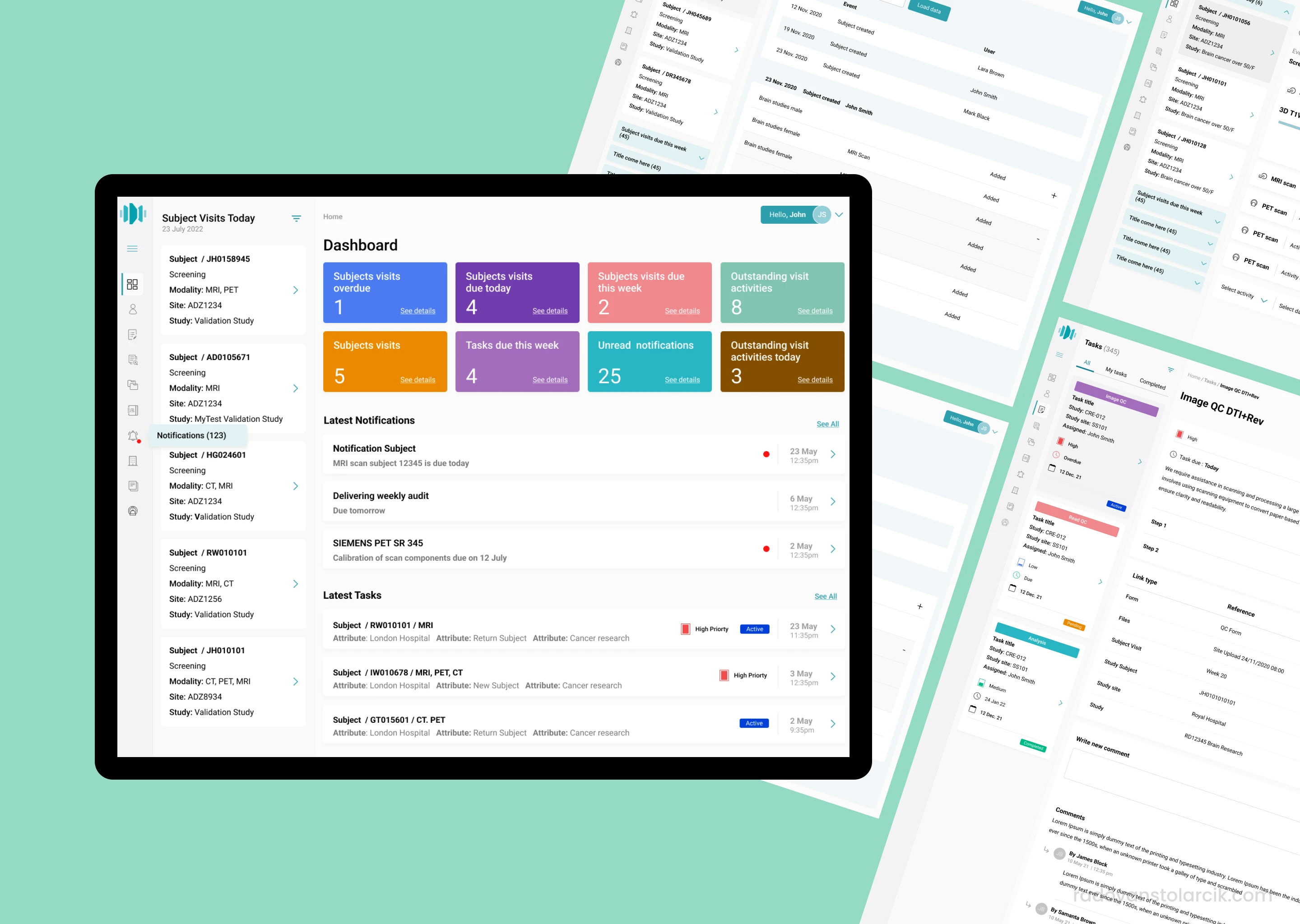
New upload process for large scan files
A new handling process for large MRI, CT, and PET files increased productivity by 47% and stopped delays.
B2B
SaaS
HealthTech
